
Skip to content
Menu
SteamAH
  • Cheat
  • Guide
  • Tips
  • Privacy Policy
  • Abuse
SteamAH

WORLD OF HORROR: How to Save the Game?

Posted on February 22, 2020

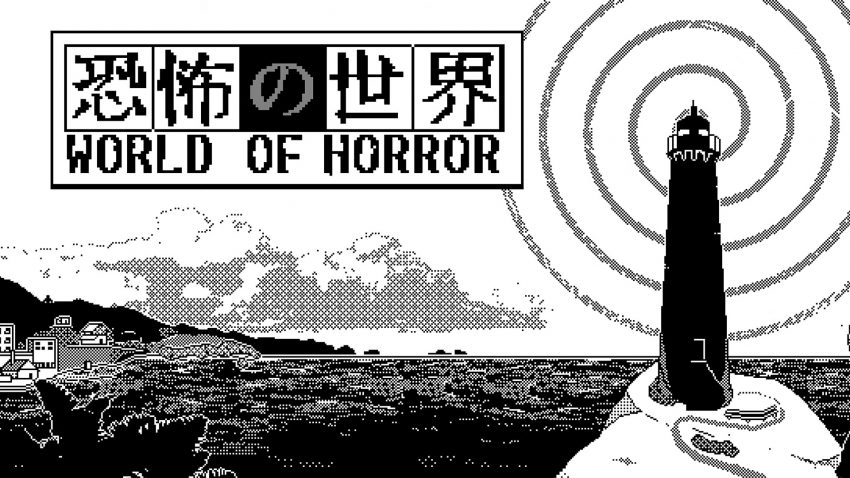
World of Horror is an game inspired by the body horror of Junji Ito and the cosmic unknown of HP Lovecraft.  here is a guide about the save game.


How to Sve the Game?

You can save the game only between mysteries by clicking Save and Exit. By doing so, you will lose all spells, and heal all curses and injuries for a cost of getting a permanent -1 to maximum STA and REA. It’s in the top right corner in the Settings Tab (a cogwheel)


Where is the Save File Locations?

Here is the save game location

 C:\Users\>>YOUR||NAME||HERE||<<\AppData\Local\wohgame

inside you’ll find Save.ito (cute)

MORE GAME GUIDES FOR YOU

Related Posts:

  • WORLD OF HORROR: How to Fix Resolution for Steam Deck
  • WORLD OF HORROR – How to Make Custom Color Palettes
  • WORLD OF HORROR: How Long is the Game?
  • WORLD OF HORROR: 100% Achievement Guide
  • WORLD OF HORROR – Rain of Spider Achievement Guide

Leave a Reply Cancel reply

Your email address will not be published. Required fields are marked *

Disclaimer

All content cited is derived from their respective sources. If you think we have used your content without permission, Please go to the Abuse Page to contact us and we will be taking it seriously.

Recent Posts

  • Windrose: 100% Save Files for All Characters
  • Commandos: Origins – 100% Save Files (DLC Included)
  • Replaced: Save Files for All Chapters
  • Spaceflight Simulator: Save Files with Many Satellites and 17 Chanllenges Completed
  • Pragmata: 100% Save Files
©2026 SteamAH | Powered by SuperbThemes & WordPress