
For Resident Evil 4 players who have the issue of sound stutters during cutscenes and gameplay, this guide will show you how to fix it.
In-game settings
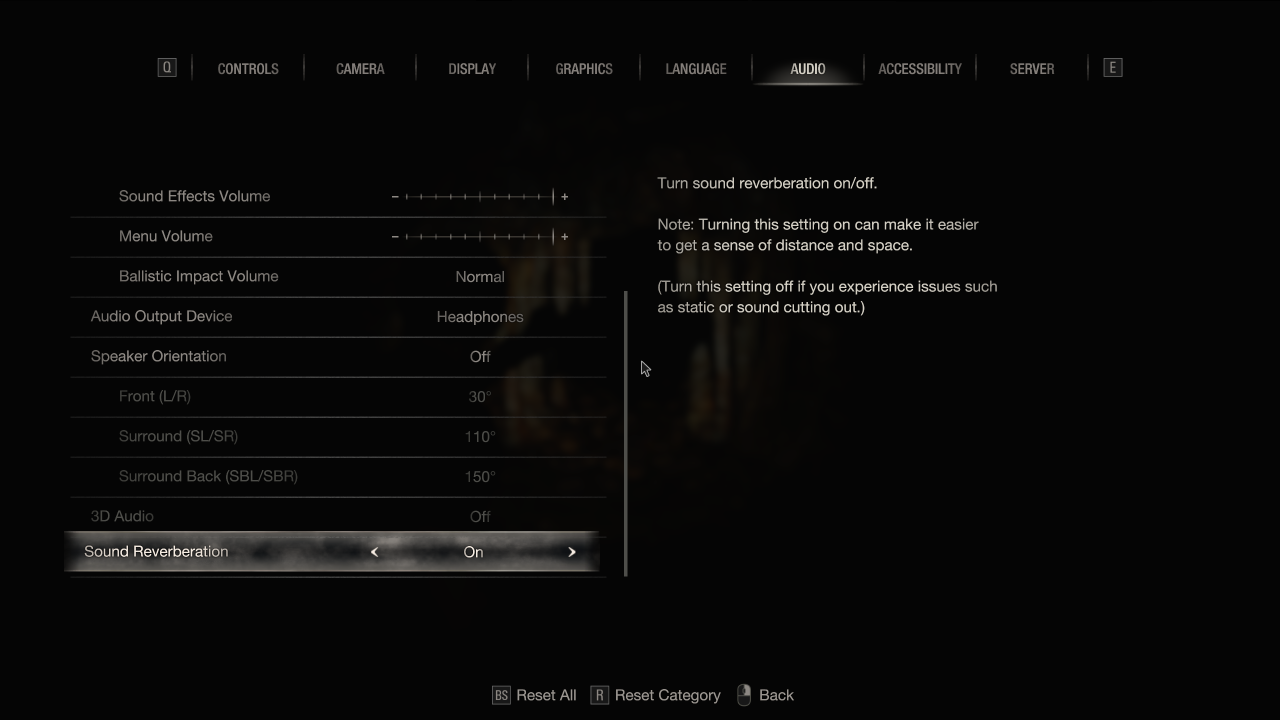
Try toggling the in-game sound reverberation setting on and off and see if that solves the problem.
Adjust OS sound settings
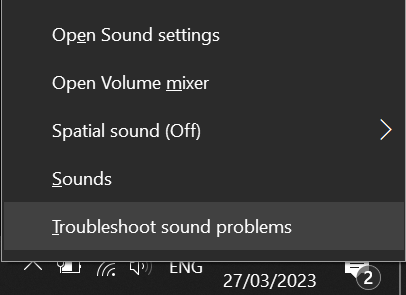
- Open the windows sound settings by right clicking the speaker icon in the tray and choosing “Sounds”.
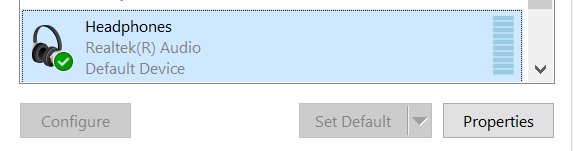
- In the playback tab select your output device and press the properties button
- In the advanced tab select the 2 channel 16 bit 48000 Hz format and click apply
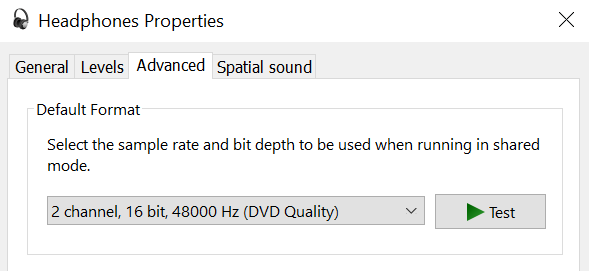
- Enjoy your stutter-free sound!