
Skip to content
Menu
SteamAH
  • Cheat
  • Guide
  • Tips
  • Privacy Policy
  • Abuse
SteamAH

Resident Evil 4 How to Fix Crashing After Logo

Posted on March 24, 2023March 24, 2023
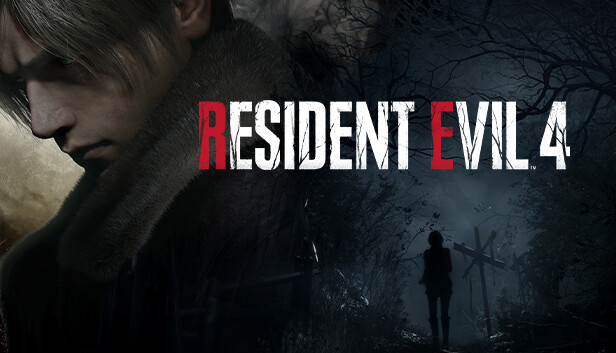
For Resident Evil 4 Remake, if your game is crashing when you launch after the initial logos, not being able to make it into the menu, there’s now a simple fix for this

The fix

If your game is crashing when you launch after the initial logos, not being able to make it into the menu, you just have to do this to be able to enjoy the game.

Download the new updated RE Framework and copy “dinput8.dll” where “RE4.exe” is and finally be able to play this game!

Not because of Capcom of course, modders had to do it once again.

Download link:
https://www.nexusmods.com/Core/Libs/Common/Widgets/DownloadPopUp?id=214&game_id=5195


That’s all we are sharing today in Resident Evil 4 How to Fix Crashing After Logo, if you have anything to add, please feel free to leave a comment below, you can also read the original article here, all the credits goes to the original author Rancid

Related Posts:

  • Resident Evil 4 How to enable DLSS instead of FSR
  • Resident Evil 4 Mercenaries DLC for Family Sharing
  • Resident Evil 4 How to Remove annoying Blue Tint
  • Resident Evil 4 All Puzzles Solution Guide
  • Resident Evil 4 Remake How to Use DLSS 2 & DLSS 3

Leave a Reply Cancel reply

Your email address will not be published. Required fields are marked *

Disclaimer

All content cited is derived from their respective sources. If you think we have used your content without permission, Please go to the Abuse Page to contact us and we will be taking it seriously.

Recent Posts

  • Old School RuneScape: A Ruff Situation Quest Guide
  • Borderlands 4: Black Market Location Guide (Sept 4th)
  • Grail 1.0: Beginner’s Guide
  • Forest of the Blue Skin: Walkthrough + Full Save [Build 28]
  • House 2 Complete Guide: All Bosses and Endings
©2026 SteamAH | Powered by SuperbThemes & WordPress