

Skip to content
Menu
SteamAH
  • Cheat
  • Guide
  • Tips
  • Privacy Policy
  • Abuse
SteamAH

DOOM Eternal: How To Bypass The VRAM Limitation

Posted on March 22, 2020

It’s unbelievably easy to bypass, just follow these step-by-step guide. hope this guide will help you.


Bypassing the limitation.
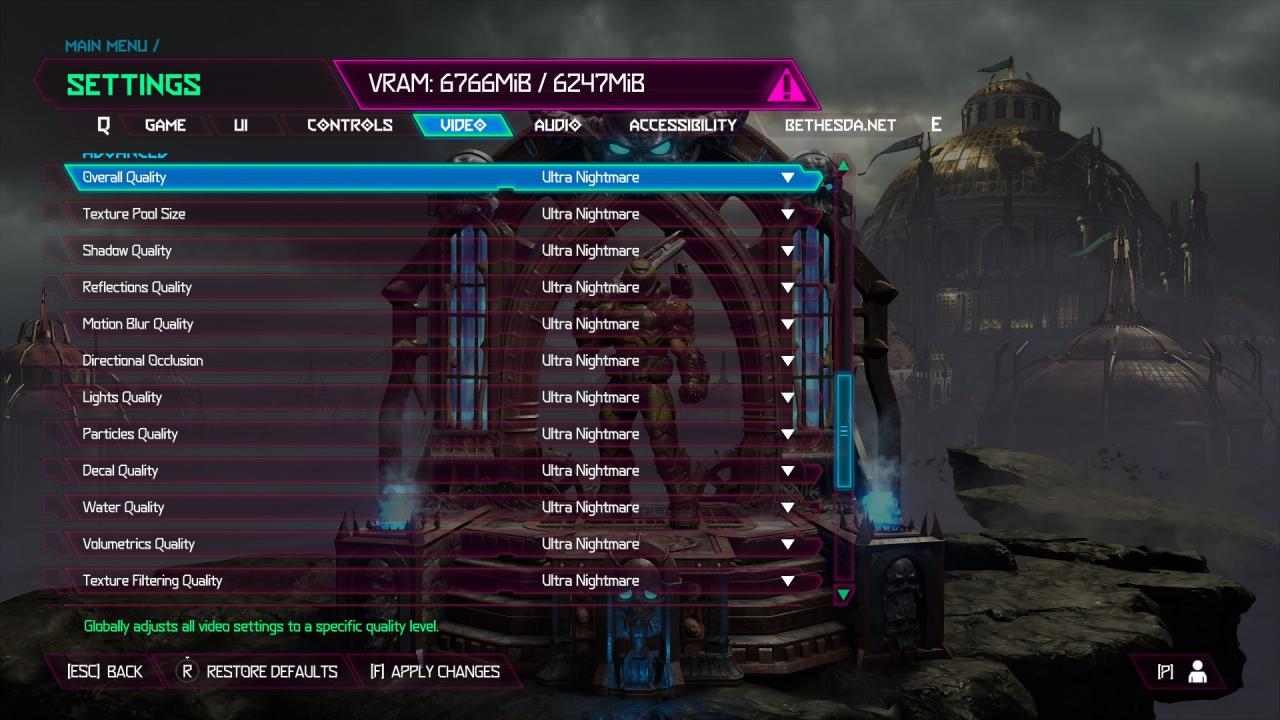
DOOM Eternal: How To Bypass The VRAM LimitationOpen your settings and set every option to Ultra Nightmare.
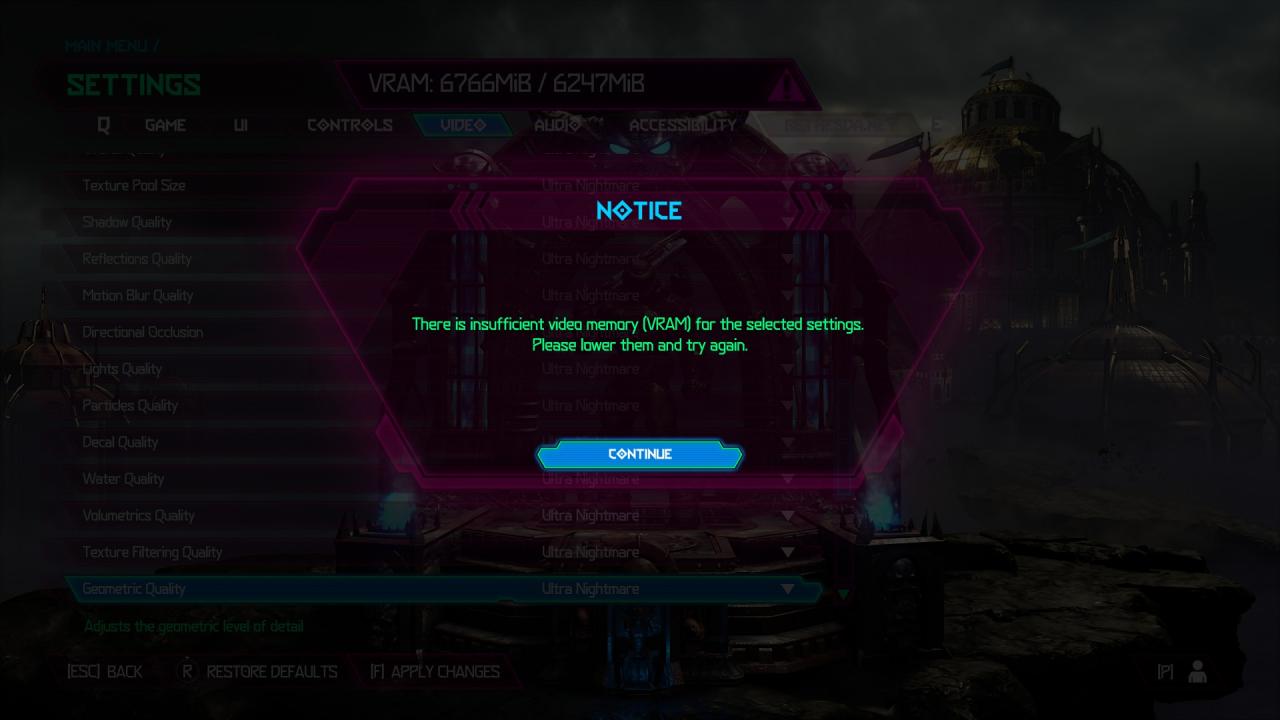
DOOM Eternal: How To Bypass The VRAM LimitationApply the settings and once the warning has appeared, click “continue”.
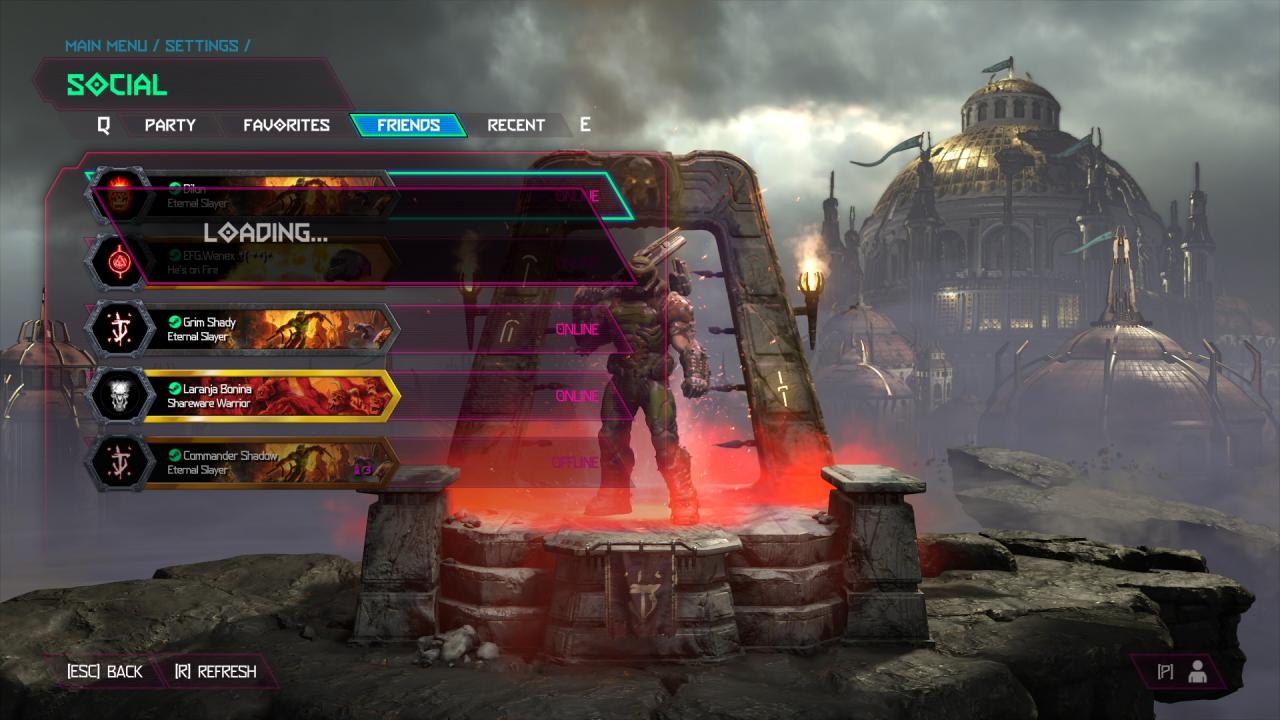
DOOM Eternal: How To Bypass The VRAM LimitationAfter closing the warning, press “P” to open your friendlist.
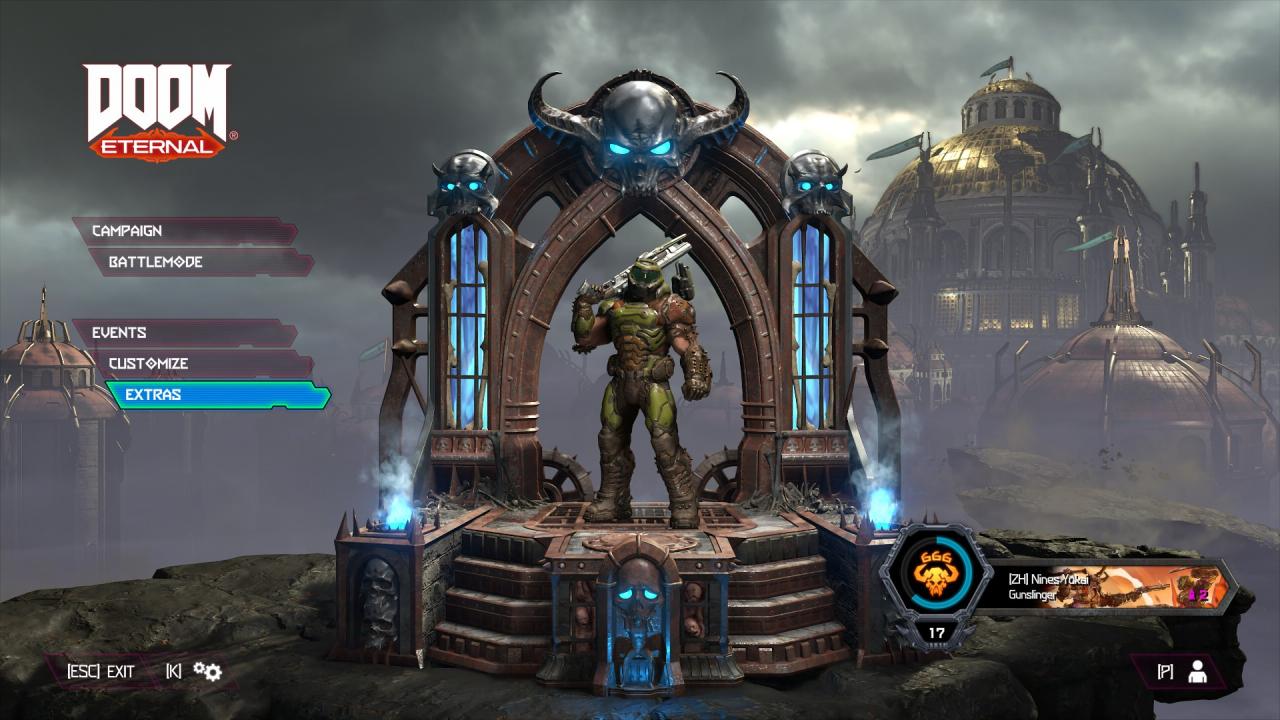
DOOM Eternal: How To Bypass The VRAM LimitationGo back to the main menu and open the settings again. Ultra Nightmare should now be applied.

By Nines Yōkai

Related Posts:

  • DOOM Eternal: How to Disable Anti-aliasing
  • DOOM Eternal: How To Turn Off Tutorials
  • DOOM Eternal How to Play in Offline Mode with No Bethesda.net Account
  • DOOM Eternal: How to Skip Intro
  • DOOM Eternal: How to Fix Poor FPS (PC)

Leave a Reply Cancel reply

Your email address will not be published. Required fields are marked *

Disclaimer

All content cited is derived from their respective sources. If you think we have used your content without permission, Please go to the Abuse Page to contact us and we will be taking it seriously.

Recent Posts

  • Aliens: Fireteam Elite 2 – Best Class Guide (Solo, Squad, and Beginners)
  • Aliens: Fireteam Elite 2 – Beginner’s Guide and Tips
  • EA Sports FC 26: Save Files for All Legends, Icons, and Heroes
  • Resident Evil Requiem: 100% Walkthrough Save (Classic Mode with All Stages)
  • Steamy Livestreams with My Girlfriend SS: 100% Save Files
©2026 SteamAH | Powered by SuperbThemes & WordPress