
Skip to content
Menu
SteamAH
  • Cheat
  • Guide
  • Tips
  • Privacy Policy
  • Abuse
SteamAH

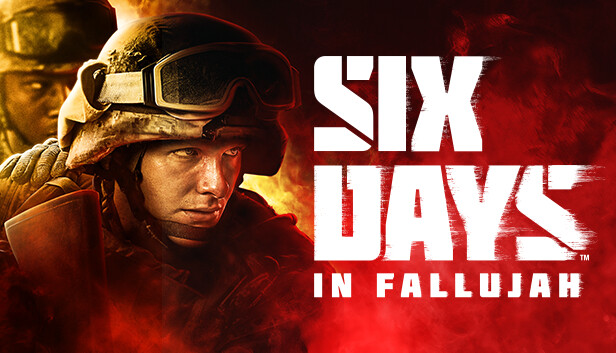
Six Days in Fallujah How to Disable Splash Screen

Posted on June 26, 2023

For Six Days in Fallujah player who don’t want to see the loud and long splash screen video that plays every time you start the game again, this guide will show you how to get rid of it.

How to:

Navigate to where the game is installed

open sixdays folder

open content folder

open movies folder

delete or rename “VID_SplashScreens.bk2

open the game quickly


That’s all we are sharing today in Six Days in Fallujah How to Disable Splash Screen, if you have anything to add, please feel free to leave a comment below, you can also read the original article here, all the credits goes to the original author Cryptic

MORE GAME GUIDES FOR YOU

Related Posts:

  • Six Days in Fallujah Basic Tips for Beginner
  • Six Days in Fallujah 15 Top Tier Tips

Leave a Reply Cancel reply

Your email address will not be published. Required fields are marked *

Disclaimer

All content cited is derived from their respective sources. If you think we have used your content without permission, Please go to the Abuse Page to contact us and we will be taking it seriously.

Recent Posts

  • Sin Spire: 100% Save Files
  • No Man’s Sky: Save Files for A Good Start (2026)
  • Cult of the Lamb: 100% Story Save Files (New Whoolhaven DLC)
  • Last Epoch: Season 4 Save Files with 7 Characters
  • Super Meat Boy 3D: 100% Save Files
©2026 SteamAH | Powered by SuperbThemes & WordPress