
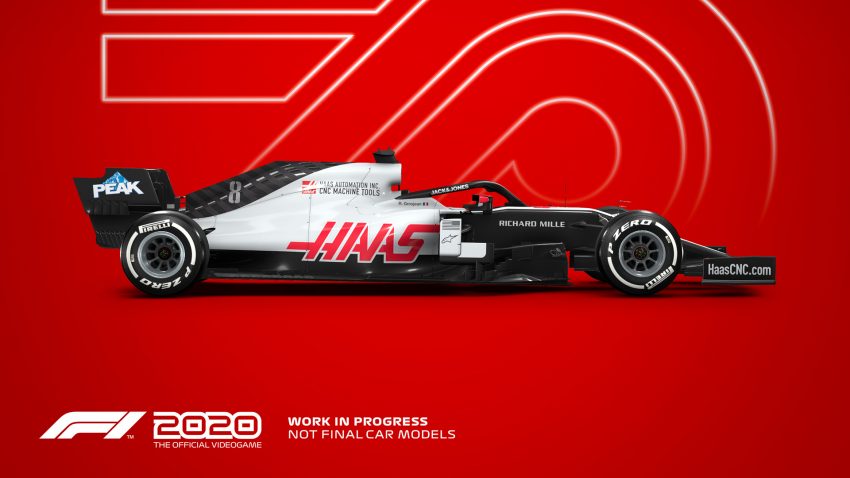
If you play F1 2020 and you are having the problem of black screen and you can’t play the game, this guide will show you how to fix it, let’s check it out.
Solution
1. Open NVIDIA Geforce Experience
2. Go to Games
3. Open F1 2020
4. 
5. Press REVERT
That’s all we are sharing today in F1 2020 How to Fix Black Screen Issue, if there are anything you want to add please feel free to leave a comment below and we’ll see you soon.
Credit to 3enGem
Related Posts:
- F1 2020 How to Fix Game Crashes Frequently
- F1 2020 How to Fix Online Service ERROR 1008:H
- F1 2020 How to Fix Steering Wheel Not Working
- F1 2020 Guide for Beginners (Tyres, Compounds, Flags, Multifunction Display, DRS)
- F1 2020 Ultimate Multiplayer Guide (Defend Position & Pursuit)