Skip to content
Menu
SteamAH
  • Cheat
  • Guide
  • Tips
  • Privacy Policy
  • Abuse
SteamAH

Barro 2020: Controller Setup Guide

Posted on October 20, 2019October 20, 2019

Valve has some requirements to flag the “controller support” that cannot be achieved with the architecture of the game, but, you can easily setup a controller to play the game.


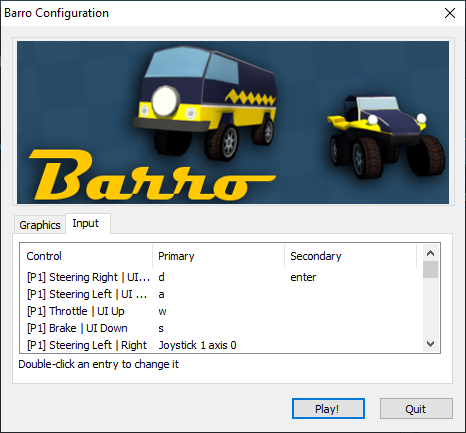
Setup the inputs for P1 and P2:

You will have to configure your controller in the configuration screen that opens before the game starts. Double click to change the input.

The game is configured for a default device, if you own a xbox controller, you will have to reconfigure as you like.

Note: The engine Unity is only compatible with xInput and as consequence so is the game.
Barro 2020: Controller Setup Guide

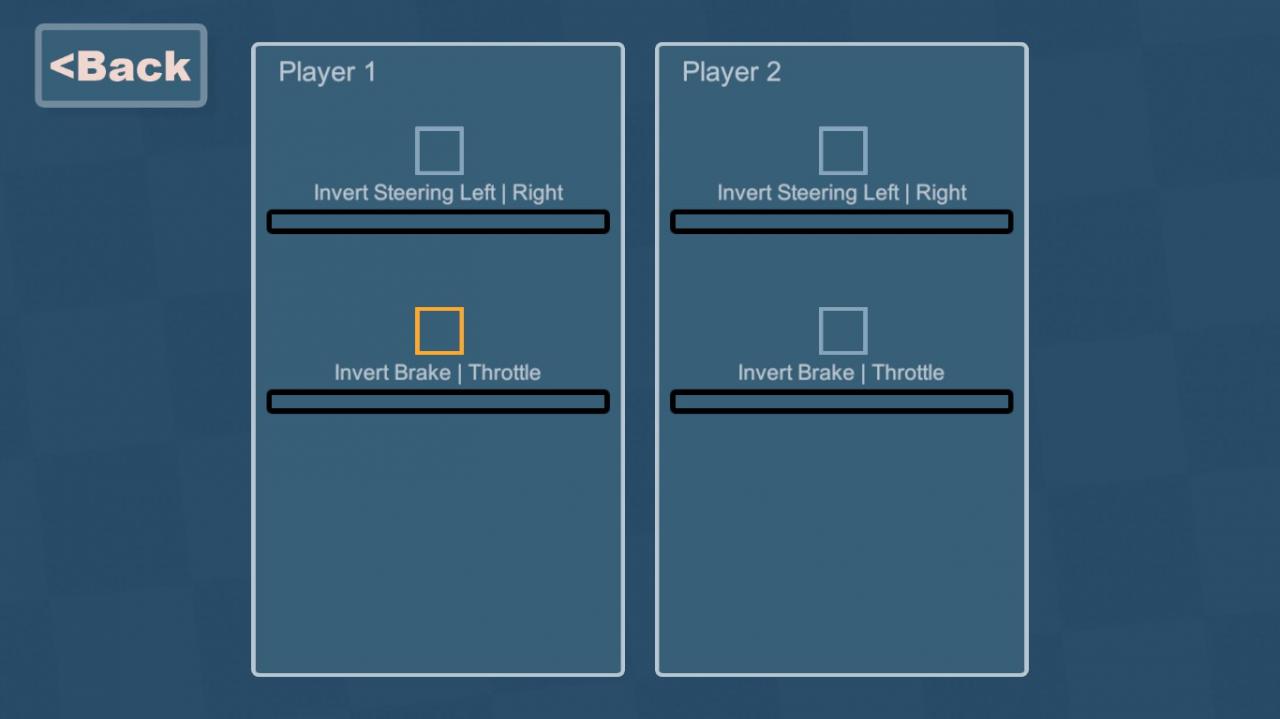
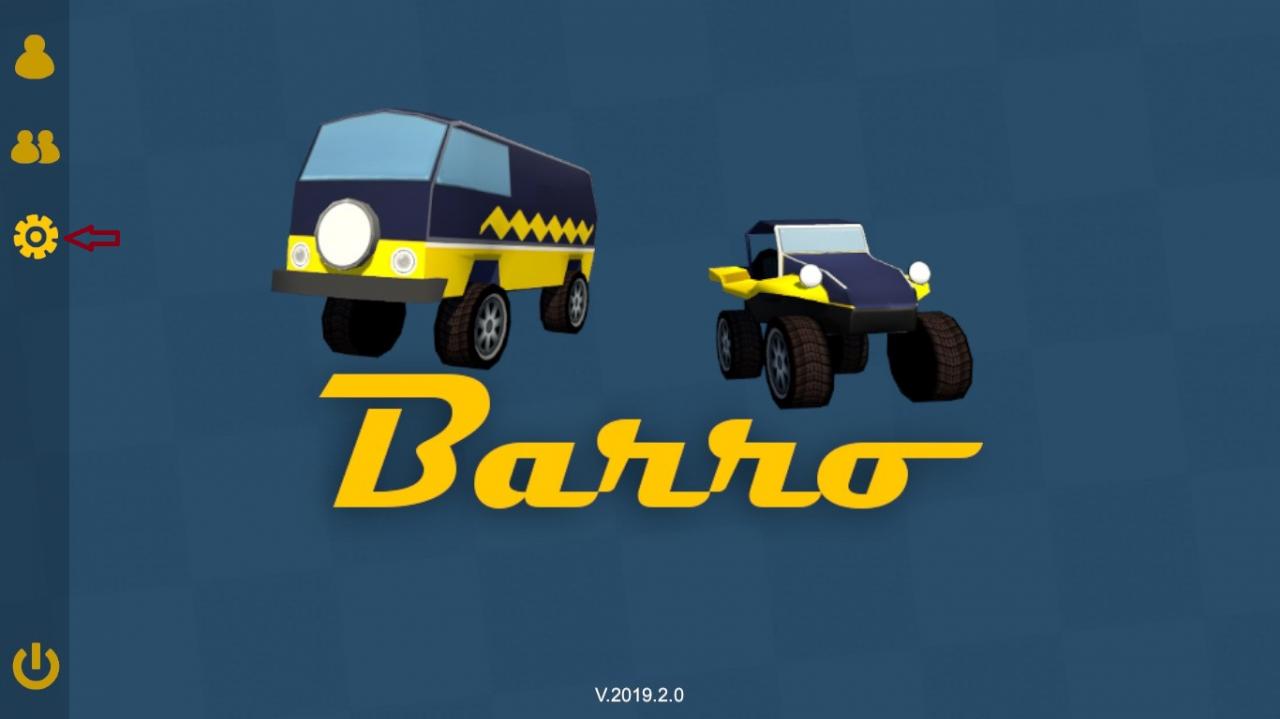
Invert if needed

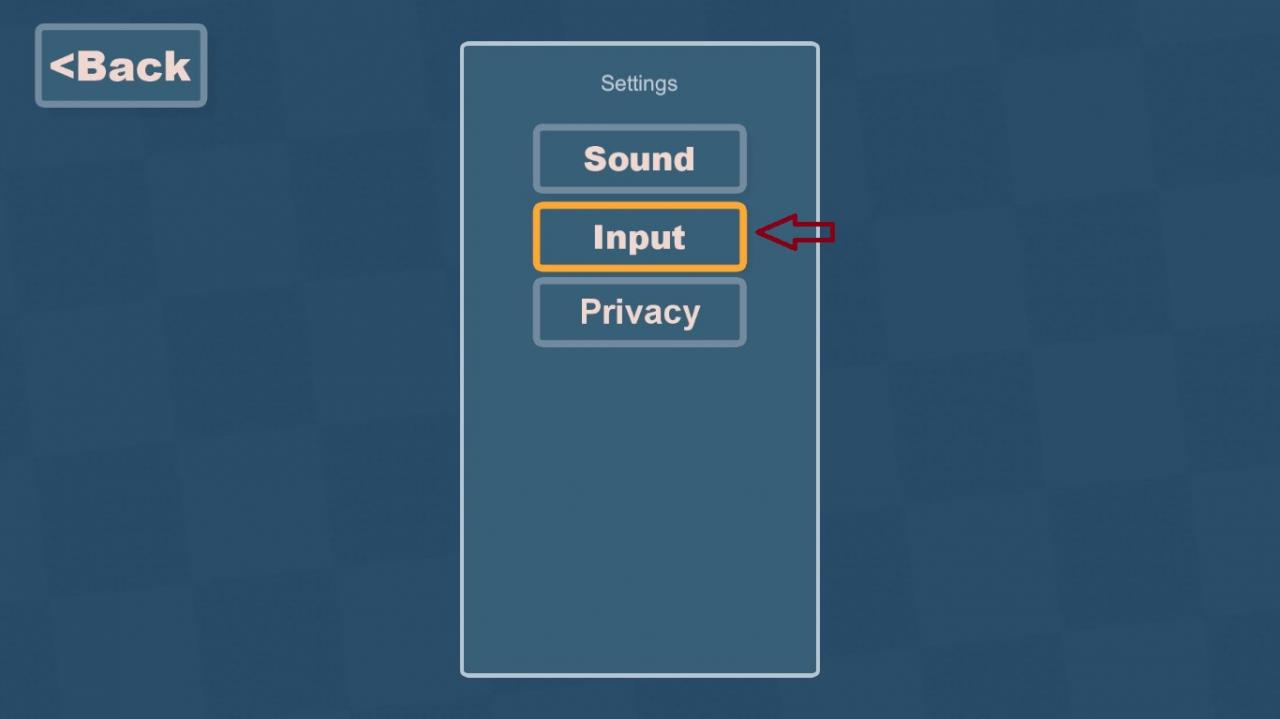
If you have to invert an axis you can go to Settings -> Input and there you will be able to invert and\or test your inputs.
Barro 2020: Controller Setup Guide

Written by unknown error

Leave a Reply Cancel reply

Your email address will not be published. Required fields are marked *

Disclaimer

All content cited is derived from their respective sources. If you think we have used your content without permission, Please go to the Abuse Page to contact us and we will be taking it seriously.

Recent Posts

  • Windrose: 100% Save Files for All Characters
  • Commandos: Origins – 100% Save Files (DLC Included)
  • Replaced: Save Files for All Chapters
  • Spaceflight Simulator: Save Files with Many Satellites and 17 Chanllenges Completed
  • Pragmata: 100% Save Files
©2026 SteamAH | Powered by SuperbThemes & WordPress