

This are all “potential” Out of Memory FIX-es. This will NOT, remove the stuttering and the FPS Drops in-game. If it helped or If you have any other solutions let me know in the commets section. 1. Pagfiles 1. Go to “This PC” 2. Right click on the mouse and chose “Properties” 3. Under Control…
Author: Robins Vook

The Way We ALL GO: All Endings Guide
A complete and accurate guide to all the endings in The Way We All Go. You will get all achievements along the way. Introduction As I was playing through The Way We All Go, I noticed that the current walkthroughs have a lot of errors in them, including both choices that are listed in…
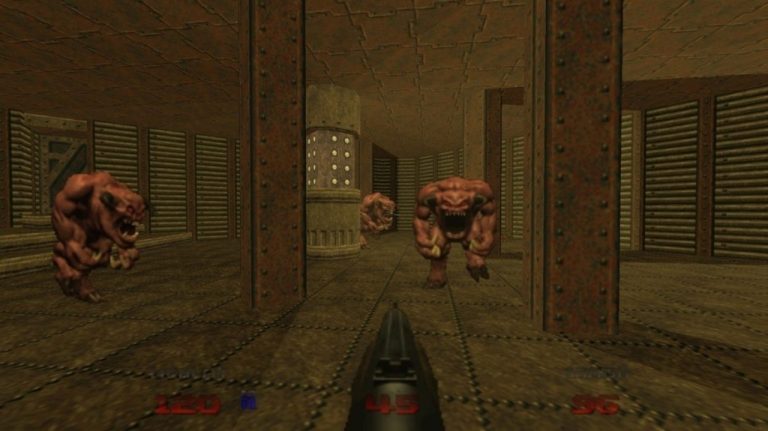
DOOM 64: How to Get to Secret Levels
This guide will show how to get to secret levels along with the demon artifacts in the levels. How to access Outpost Omega from Holding Area At the end of the fourth level, Holding area, press each switch in the order of 3,1,2,4. Then kill all the lost souls that spawn, turn around, and…

DOOM Eternal: How To Turn Off Tutorials
If you are tired of tutorials? Can’t seem to figure out the solution? Can’t realize that they don’t show up again upon replaying a level? Don’t worry, I know exactly what to do! Try to follow along. here is a simple guide for you to turn off the tutorials in the game with screenshots. …

Troubleshooter: Coolness and Finale Guide
Here is a guide to help you understand how coolness and finale works. Basics Coolness and Finale is one of the most difficult systems to understand in Troubleshooter, so far. I will start by explaining Performance Effects, and get to how they affect Coolness and Finale. Performance Effects are added to your available abilities,…

Neon Beats: 100% Achievement Guide
So within in this guide I will provide details that will allow anyone to get 100% of the achievements in the game based on the day it was released. Some achievements are just playing through the game while others need a bit of explanation to complete them. 1.) Introduction Welcome to my 100% achievement…
DOOM Eternal: How to Disable Anti-aliasing
When playing at lower resolutions such as 1080p, antialiasing can make the game look blurry. Doom Eternal has forced antialiasing, and this guide shows you how to disable it. Why Doom Eternal looks blurry So, you just got Doom Eternal, you’re ready to start playing, but you notice that the game appears rather blurry….

Exit the Gungeon: How to Get the Hat “The Beast” and the “Beastmaster” Achievement
Seeing how only 2% of players had this easy and simple achievement (as of publishing this guide) and hat, I’ve made a step by step walkthrough on getting them. Step 1: Turn on Beast Mode in the Options Pause the game and go to Options > Game (The wrench icon followed by the bullet…

Pool Panic: 100% Achievements Guide
There is no achievement guide for this game, so I decided to write one. Most of the achievements here are pretty easy, just not very clear where and how to do them. Completion achievements Satisfied the Chalkman Get the tutorial out the way Self-explanatory. Don’t Tell Anyone Find a secret level You have to…
DOOM Eternal: How to Fix Poor FPS (PC)
If you’re experiencing poor FPS on Doom Eternal, try disabling the Steam Overlay (open your Steam Library, right click Doom Eternal, Properties, then disable Steam Overlay) Method 1 FPS Fix, Disable Steam Overlay If you’re experiencing poor FPS on Doom Eternal: 1) Try disabling the Steam Overlay (open your Steam Library, right click Doom…
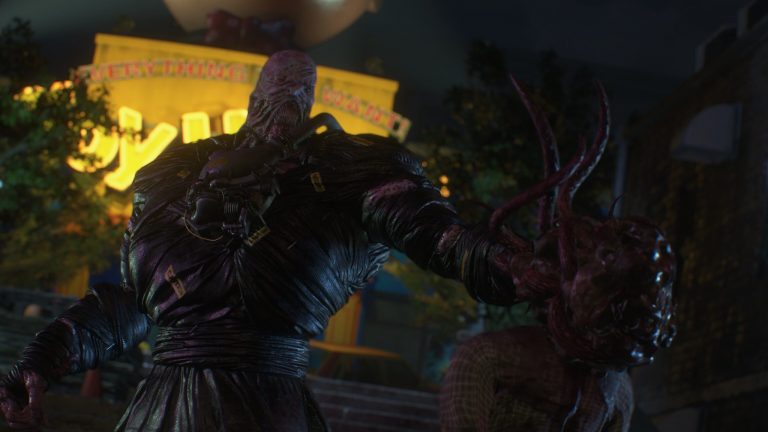
Resident Evil 3: Raccoon City Demo – Charlie Doll Guide (20/20)
A full guide detailing how to get all 20 Charlie Doll Toys in Resident Evil 3: Raccoon City Demo. Rewards For collecting all 20 Charlie Dolls you will be rewarded with 100 Ambassador points (only during it’s campaign period: March 19, 2020 – April 03, 2020). Additional Info Location Jill Downtown 18 Redstone Street…

A Dance of Fire and Ice: How to Access All 15 Worlds (V 1.7.0)
Are you just playing A Dance of Fire and Ice, and don’t know how to get to a world? This guide will show you how to get to a specific world you want to go! Please note that this guide was written while ADOFAI was at version 1.7.0,so once version 1.8.0 comes out, do remind…