
One stop save dump for Youngblood. Drop these in and pop every achievement without the grind — all video tapes, readable documents, 3D glasses, floppy disks, cassette tapes, red crates, side quests, max mastery, and 59,999 coins.
Description
This save collection covers the good stuff.
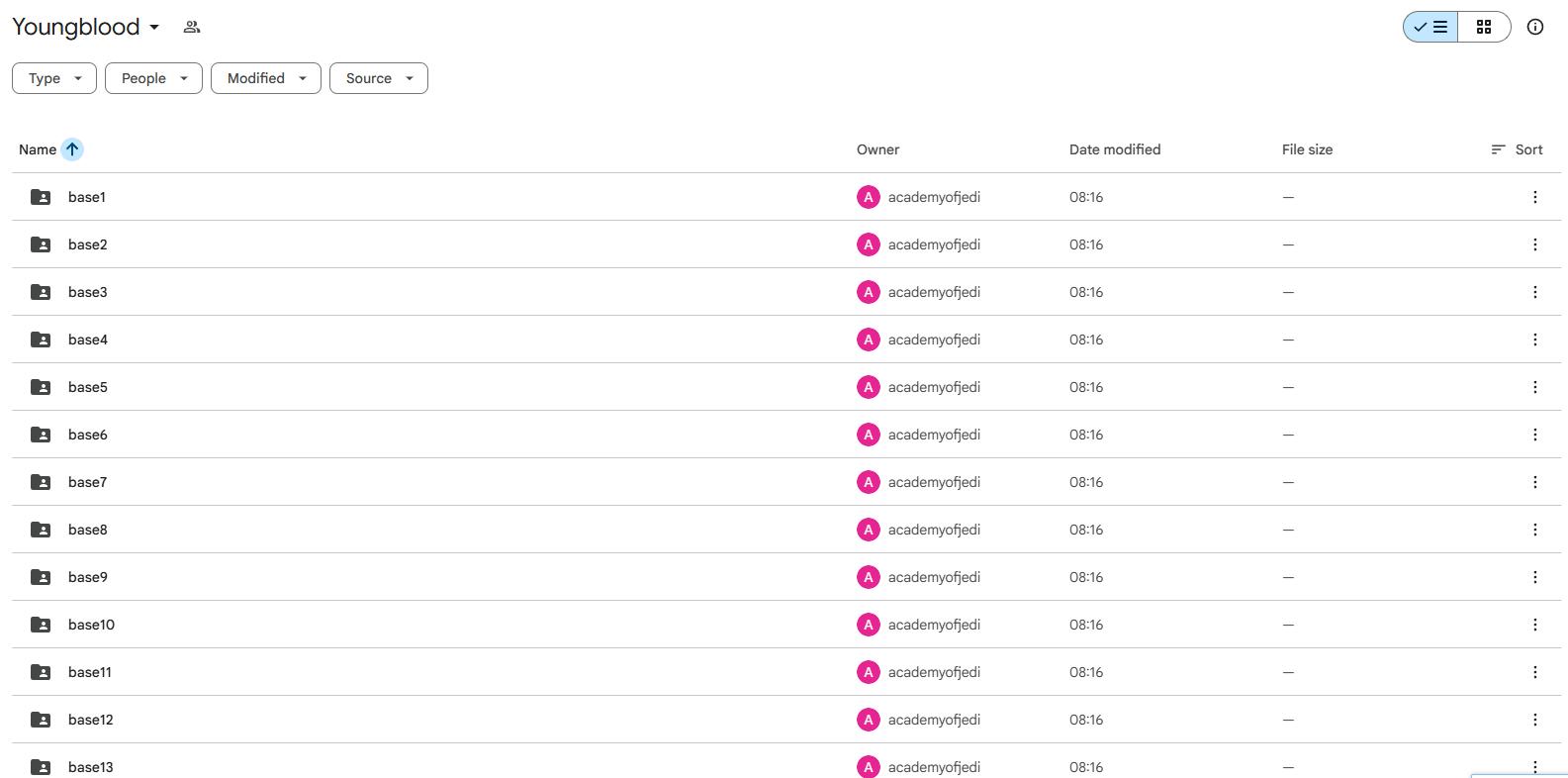
- Base14 = all video tapes + readable documents collected.
- Base15 = all 3D glasses, floppy disks, cassette tapes, red crates, and side quests done.
- Base21 = 59,999 coins.
- Base27 = level 9.99 mastery on every weapon.
- Base31 = 99,999 shots fired.
- Base32 = all skills unlocked + every weapon upgrade obtained.
Save File Location
Back up your saves first, disable Steam Cloud, then drop the files here: C:\Users\______\Saved Games\MachineGames\Wolfenstein Youngblood\base
Download Link
- Author: TheSpiderCrab
- Download Link: Google Drive
FAQs
How were these save files made?
Saved every 40–60 minutes during my playthrough. Problem: the game spawns you in Resistance HQ sewers after loading, even if the checkpoint was right before an objective. So you need to know what the achievement requires. Sprint past enemies, set difficulty to Easy, and run straight to the goal. Don’t stop.
Why can’t I unlock the achievement after loading?
Achievements only trigger at the exact milestone moment — collecting the 50th tape, making the 1,000th kill, etc. If you load a save after that milestone, you’re locked out. Example: I unlocked an achievement at 16:30. Use a save from 16:29, 16:00, or earlier. Saves from 16:31 or later won’t work. Match the timestamp.
Which save folder do I use?
base is the active folder. base14, base15, etc. are just labels. Copy files from the numbered folder into base. Delete or backup your old saves first. The number matches the achievement milestone.
Will this work with my current playthrough?
No. These saves replace your entire progress. Backup your base folder if you care about your current game. No merge option.
Achievement doesn’t pop immediately?
You’re probably one step short. Pick up one more collectible, kill one more enemy, spend one more coin. Run to the nearest objective and finish the last action.
What about Steam Cloud?
Kill it. Disable sync before using these saves. Steam Cloud will overwrite your new files with old garbage. Re-enable after you unlock achievements if you want.