
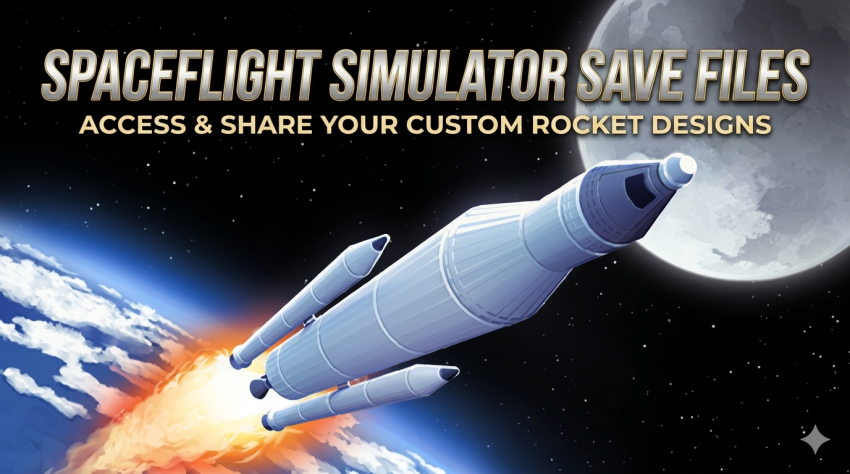
If you’re looking to jump straight into a richly developed Spaceflight Simulator world without starting from scratch, this save file offers a ready-made experience packed with satellites, orbital stations, and completed challenges. Below, you’ll find everything you need to know about this save, including how to install it and what makes it worth your time.
Overview
This save file was created by AndresNeepas. It is a direct copy of the author’s personal world, featuring a variety of pre-built space infrastructure and a solid track record of completed missions.
Features
- A direct copy of the author’s world
- A large number of satellites already in orbit
- Multiple orbital stations
- 17 challenges completed
Installation Guide
Follow these steps to get the save file up and running:
- Download the archive containing the save file.
- Extract the archive using a tool like WinRAR or 7-Zip.
- Copy the extracted folder or files to the following directory:
Documents/Spaceflight Simulator/Saves
- Launch the game.
- Load the save from the in-game menu.
Important Notes
- Make sure you have the correct version of Spaceflight Simulator installed, as older or newer versions may not be fully compatible.
- Always back up your existing save files before replacing them, just in case you want to revert later.
- The save file is intended for single-player use only.
Download and File Size
- File Size: 5.46 MB
- Download Link: Google Drive
Summary
This Spaceflight Simulator save file by AndresNeepas gives you instant access to a world filled with satellites, stations, and 17 completed challenges, saving you hours of setup time. If you’re hunting for more save files like this one, head over to our master list, where all save files are organized alphabetically from A to Z. It’s the easiest way to find exactly what you need for your favorite games.