

If you’re looking to jump straight into the full experience of Hollow Knight Silksong without spending hours exploring every corner, this save file is exactly what you need. Below, I’ll walk you through everything you should know before downloading and using it.
Overview
This save file was designed for those who want to enjoy the game with all content unlocked, whether for testing, replaying, or simply skipping the grind.
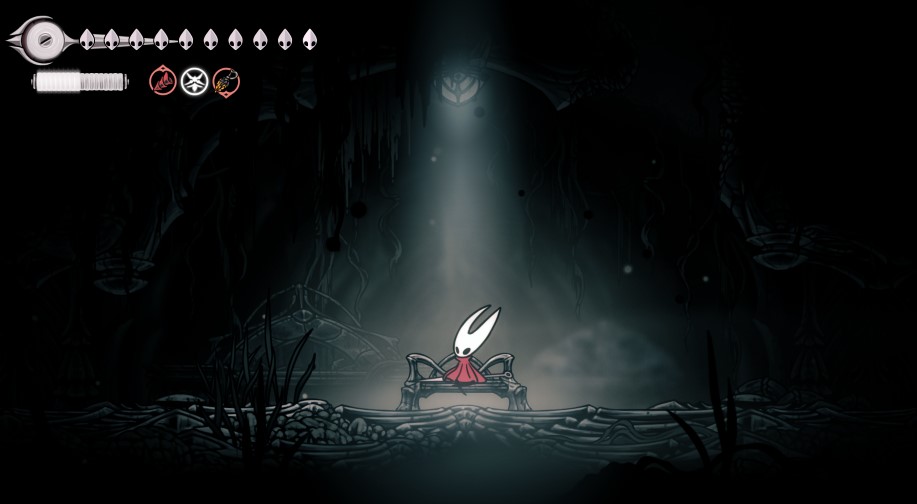
- Fully explored map – Every area is uncovered and marked.
- All artifacts and souvenirs – Every collectible item is obtained.
- Complete Hunter’s Journal – All 237 entries are filled in.
- All tools – Every tool in the game is unlocked and ready to use.
How to Install
- Download the save file from the link below.
- Locate the file named
user1.dat. You can rename it touser2.dat,user3.dat, oruser4.datif you want to keep multiple save slots. - Place the file in the following directory:
C:\Users\[Your Username]\AppData\LocalLow\Team Cherry\Hollow Knight Silksong\default
Make sure to replace [Your Username] with your actual Windows username.
Important Notes
- This save file is for the PC version of Hollow Knight Silksong only.
- Always back up your original save files before replacing them.
- The save is compatible with the latest game version at the time of upload.
Download Link and File Size
- Download link: Google Drive
- File size: 330 KB
Final Thoughts
This save file gives you a complete, polished start in Hollow Knight Silksong with everything already unlocked. Whether you’re revisiting the game or just want to skip the early grind, it’s a solid choice. If you’re looking for more save files for other games, head over to our master list where we’ve organized every save file from A to Z. It’s the easiest way to find exactly what you need for your favorite titles.