
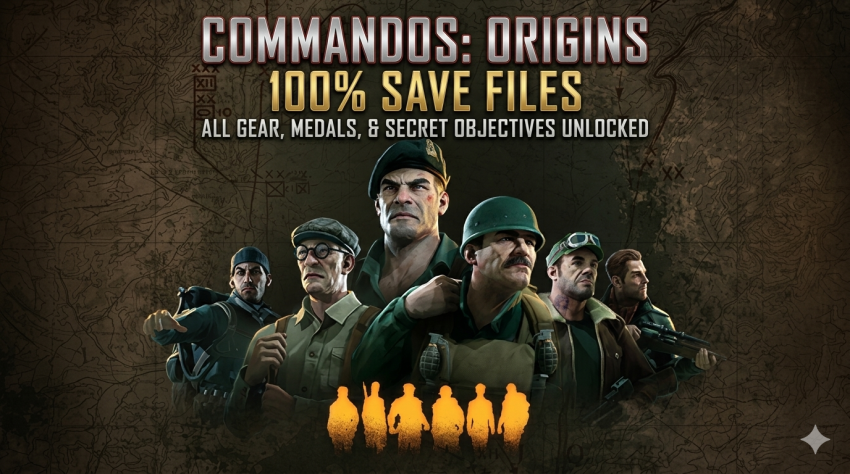
If you’re stuck on a broken script, a bugged mission, or just want to skip straight to the end of the story, this save file collection for Commandos: Origins has got you covered. Below you’ll find everything you need to know about the save files, including the author, installation path, compatibility notes, and download details.
Description
This save file was created by a dedicated player who completed both the base game and the Crete DLC. The author notes that the save works for the main game on version 1.0.1.75348 and for the DLC on version 1.5.0.88858, but it should also be compatible with earlier or later versions. All missions are unlocked, so you can load any mission you like. This is especially useful if you’re stuck due to a game bug, a broken script, or if you simply want to see the ending without replaying everything.
How to Use (Save File Location)
To install the save files, follow these steps:
- Download the save file archive from the link below.
- Extract the files using a program like WinRAR or 7-Zip.
- Navigate to the following directory on your PC:
C:\Users\*your username*\AppData\Local\Commandos\Saved - Replace the existing files with the ones you extracted. Make sure to back up your original save files first, as these may not work properly with newer game versions.
Important Notes
- Always create a backup of your current saves before replacing them.
- The save files may not work on future game updates, so proceed with caution.
- All missions are unlocked, meaning you can jump into any level directly from the mission select screen.
Download Link and File Size
- File size: 1.66 MB (compressed)
- Download link: Google Drive
Summary
This save file pack for Commandos: Origins lets you bypass tricky missions, broken scripts, or simply skip ahead to the ending. With all missions unlocked and tested on multiple versions, it’s a handy tool for any player hitting a wall. For more save files like this one, check out our A-Z save file collection page, where we’ve listed every game save we have in alphabetical order. It’s the easiest way to find the save you need for any game.