
Skip to content
Menu
SteamAH
  • Cheat
  • Guide
  • Tips
  • Privacy Policy
  • Abuse
SteamAH

Azur Lane: Crosswave – How to Set the Awakening on Your Ship

Posted on February 15, 2020

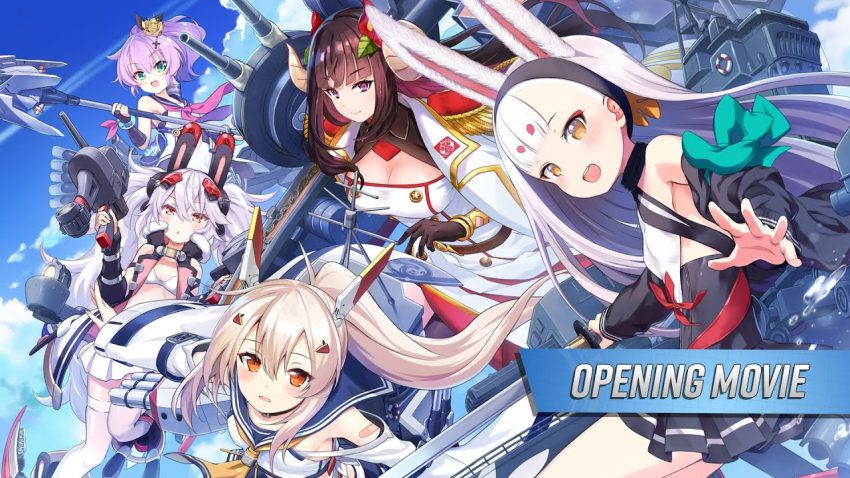
Azur Lane is a side-scrolling shooter created by Shanghai Manjuu and Xiamen Yongshi, originally released in 2017 for iOS and Android platforms. Here is a guide on how to set the awakening on your ship in Azur Lane: Crosswave game.


How to set the Awakening

There are a few steps you must do befone you can set the Awakening on your Ships:

1. Clear all stages with S-rank (!except final chapter and extreme stages!).
2. Make Cognitive chip (by gathering M Isomer) for ship want to be awaken.
3. Level ship to 100.

4. Pres Y on Gamepad / I on Keyboard on The Statpage of your Ship you want to set the Awakening on.

By ImPAWssible

Related Posts:

  • Azur Lane: Crosswave – How to Oath a Ship
  • Azur Lane: Crosswave – How to Extract Models
  • Azur Lane: Crosswave – How to Configure for Low-end Computers
  • Azur Lane: Crosswave – How to Setting Your Keyboard Configuration
  • Azur Lane: Crosswave – Fleet Formation Master List

Leave a Reply Cancel reply

Your email address will not be published. Required fields are marked *

Disclaimer

All content cited is derived from their respective sources. If you think we have used your content without permission, Please go to the Abuse Page to contact us and we will be taking it seriously.

Recent Posts

  • ACE COMBAT 8: WINGS OF THEVE – How to Enable DLSS Frame Generation
  • Frutiger Home: Frutiger Evil Achievement Guide
  • Borderlands 4: Currently Working SHiFT Codes (October 2026)
  • DEATH PENALTY: How to Fix Broken Achievements Issue on Linux
  • HIROTONFA’s American Revolution Smuggler – City Reference Guide
©2026 SteamAH | Powered by SuperbThemes & WordPress