
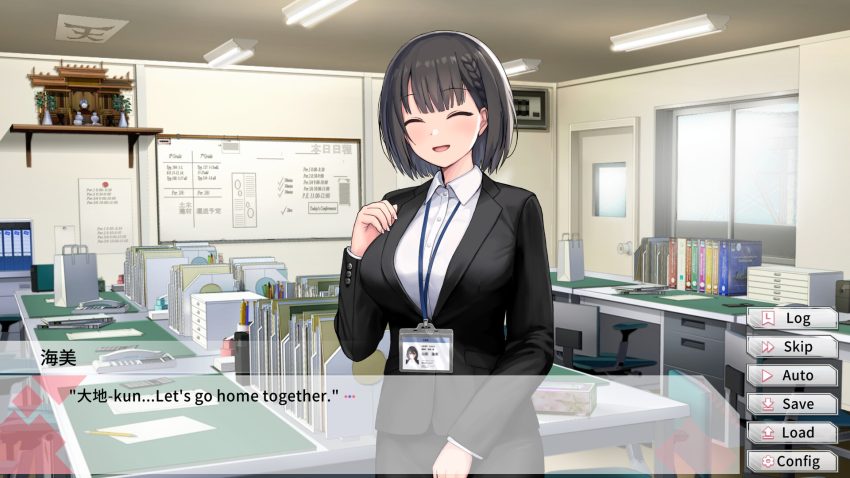
If you’ve already ground through the time-management loops and real-time mechanics once, you know the second playthrough is pure chore. This save drops you straight into a fully completed state — gallery unlocked, every scene available, zero repetition required. One download, one folder replace, and you’re done.
What This Save Actually Contains
The save file covers Steamy Livestreams with My Girlfriend SS at 100% completion. That means:
- Gallery fully unlocked — every scene accessible from the start
- All story routes finished — no hidden flags left to trigger
- No progression gates — everything is already open for viewing
This is a straight completion save, not a “near-complete” or “partial” one. If you’re looking to skip the grind and browse the full content library, this is exactly what you need.
Save File Location
To get there quickly on Windows:
- Press
Win + R - Type
%AppData%\..\LocalLow\Laplace\HentaiKanojo\Utage\SaveADV_LaplaceUtage - Hit Enter — the folder opens directly
Installation Steps
Follow these in order. Skipping the cloud sync step is the most common way to brick your save — don’t skip it.
- Download the save archive from the link below.
- Disable cloud sync — if you’re on Steam or another launcher with cloud saves, turn it off before touching anything. This prevents the launcher from overwriting your new files with old ones.
- Navigate to the save folder using the path above.
- Extract the archive into that folder. If prompted to replace files, click Yes.
- Launch the game and check that the save loads correctly.
- Verify the save — confirm the gallery shows all entries and the completion percentage reads 100%.
- Exit the game.
- Re-enable cloud sync — same menu you used to disable it, just flip it back on.
- If a cloud sync conflict pops up, choose the local save (the most recent one). Do not pick the cloud version — it will overwrite your new save with the old one.
- Done.
Warning: If you have an existing save you care about, back it up before replacing anything. Copy the entire SaveADV_LaplaceUtage folder to your desktop. There’s no recovery option once files are overwritten.
Download Link
Download: Google Drive
The archive contains the full save folder structure — just extract and drop into place.
About the Game
Steamy Livestreams with My Girlfriend is a short visual novel that blends two mechanics: time management and real-time simulation. You’re juggling a schedule while handling interactive scenes in real time, which makes the first playthrough slower than the runtime suggests. That’s precisely why a 100% save is worth grabbing — the replay value is in the gallery, not the grind.
The SS version is the expanded release, which adds additional content over the base game. This save targets the SS build specifically, so make sure you’re running that version before installing.
Quick Troubleshooting
| Problem | Cause | Fix |
|---|---|---|
| Save doesn’t show up | Wrong folder path | Double-check the Laplace\HentaiKanojo\Utage path — it’s easy to miss a subfolder |
| Cloud sync overwrites save | Sync left enabled | Disable cloud sync, reinstall save, re-enable after verifying |
| Gallery still locked | Save not loaded | Load the save from the main menu — don’t start a new game |
| Game crashes on load | Version mismatch | Confirm you’re on the SS build, not the original release |
The whole process takes under five minutes. Download, swap, verify, done. No replaying, no flag hunting, just the full gallery open from the moment you boot the game.