

If you’re looking for a complete save file for Together: Moon Escape, you’ve come to the right place. This guide covers everything you need to know about the 100% completion save for version 1.1, including how to install it, where to put the files, and what you’ll get once it’s set up.
Save File Author and Description
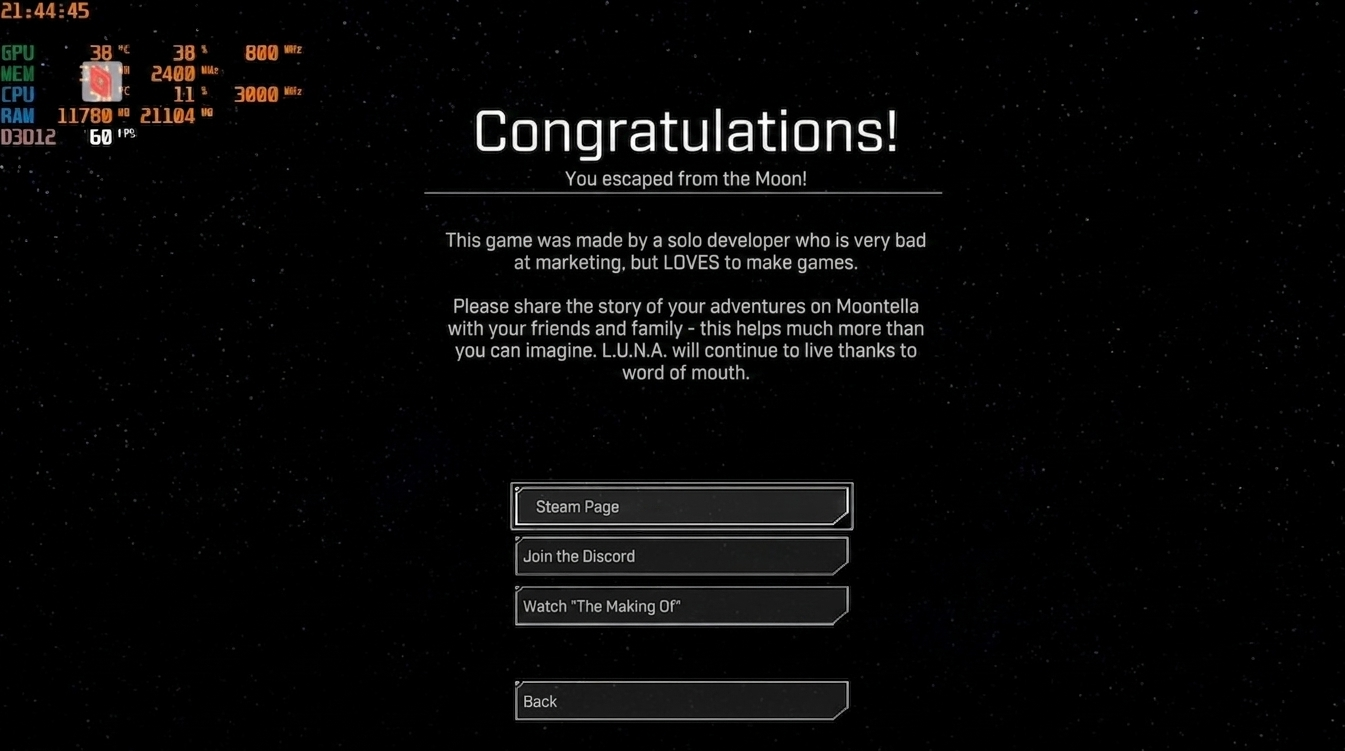
This save file was created by a dedicated player who completed the game 100%. All chapters are unlocked, and you can replay any chapter you like. The game takes roughly 5 to 9 hours to finish, and every secret has been found. Some collectible items were quite tricky to obtain, and the game is designed for cooperative play. Special thanks go to the player’s friend Vlad for helping out—this game is nearly impossible to complete solo. There are no checkpoints, so if you restart a level, you’ll have to begin from the start. Enjoy the game with this save.
- File Size: 2.25 KB
- Download Link: Google Drive
How to Install the Save File
- Download the save file from the link below.
- Navigate to the following directory on your PC:
C: Users\AppData\Local\TogetherMoonEscape\Saved\SaveGamesNote: Replace “Users” with your actual Windows username.
- Copy the downloaded save files into this folder.
- When prompted, choose to replace any existing files.
Important Notes
- Make sure you have version 1.1 of the game installed. This save may not work with other versions.
- Back up your original save files before replacing them, just in case you want to go back.
- The save unlocks all chapters and secrets, so you can jump into any part of the game right away.
Final Thoughts
This guide has walked you through the 100% completion save for Together: Moon Escape, including the author’s notes, installation steps, and important tips. If you’re looking for more save files for other games, head over to our collection page. We’ve listed every save file from A to Z, making it easy to find exactly what you need. Happy gaming!