
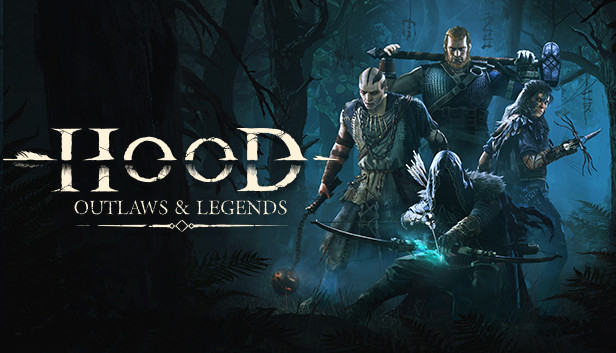
For Hood: Outlaws & Legends players, if you are tired of watching the intro credits, this guide will show you how to remove the intro credits for good, let’s check it out.
How to Remove
Simply go to D:\…\steamapps\common\Hood\Hood\Content\Movies
and delete Hood_Loading_Movie
Done.
In a violent, medieval world, outplay rival gangs in intense PvPvE multiplayer heists. Moving in stealth to steal treasures unseen or dominating through loud and brutal combat, only the best will escape with hard-earned riches.
That’s all we are sharing today in Hood: Outlaws & Legends How to Remove Intro Credits, please feel free to leave a comment below, and we’ll see you soon.
Credit to The-Sundance-Kid
Related Posts:
- Hood Outlaws & Legends: Will There be a PvE-only Mode?
- Hood Outlaws & Legends: Will there be Crossplay?
- Hood: Outlaws & Legends How to Uncap Your FPS
- Hood Outlaws & Legends PC System Requirements
- Hood: Outlaws & Legends 13 Tips Before You Play