
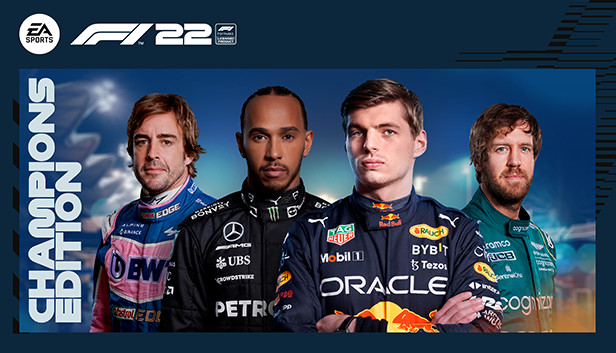
For F1 22 players, here are my camera settings I use since F1 2019 (Revised for this F1 game, cause new values in the settings)
Camera Settings
Here are my camera settings I use since F1 2019 (Revised for this F1 game, cause new values in the settings)
Field of View 10
Offset: Lateral 0
Offset: Horizontal 2
Offset: Vertical 8
Angle -11
Near Clip Plane 2
Mirror Angle 4
Camera Shake 10
Camera Movement 20
That’s all we are sharing today in F1 22 TV Pod Camera Settings Guide, if you have anything to add, please feel free to leave a comment below, you can also read the original article here, all the credits goes to the original author Kevin Alucard
Related Posts:
- F1 22 How to Improve Performance in VR Mode
- F1 22 Perfect Assist Level Guide
- F1 22 How to Find the Perfect AI Level
- F1 22 Recommended Presets & Setups List
- F1 22 All Recommended Presets for All Races