
Grinding for Money, Skill Mastery and Talent Skill —- Fighting Arena/Stage One of the Town after you exit from the Starter Village, go to the Right side Town. Find the Martial Art Fighting Stage, just keep on spam and grind for exp and money (slow progress but who care, it a single player game, you…
Author: Robins Vook
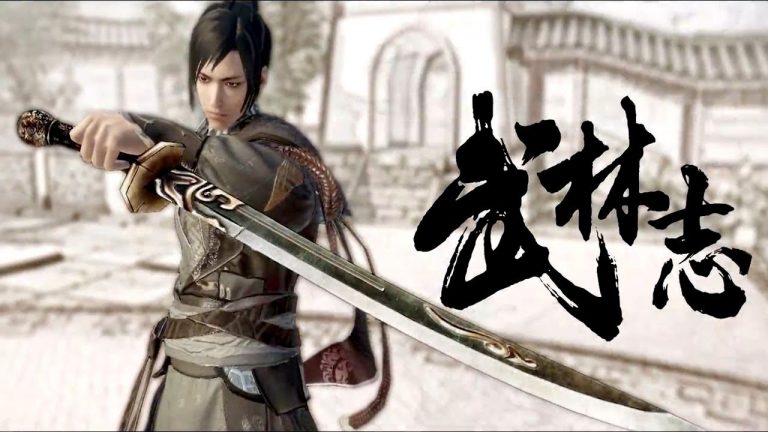
Wushu Chronicles: Tips and Tricks for Newbie
Tips 1: Follow the Main Character Story-line – Discover your Identity (Which you will get Skill Point -To upgrade your Martial Art or Internal Art) Tips 2: Before any Fight for Mission/Quest Target, just Save Your Progress. (You will Die if your opponent overpower you, unless it a sparring match) Tips 3: Max Level your Internal…
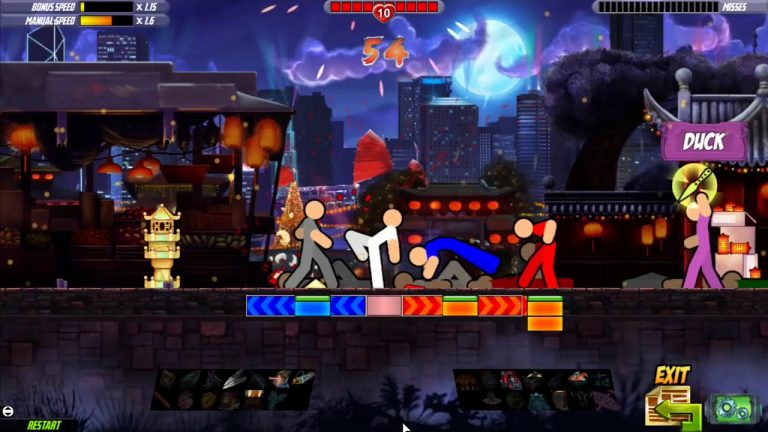
One Finger Death Punch 2: Keyboard Controls
The keyboard controls are the following and are listed in-game under controls: Left Arrow – Right Arrow (Up Arrow swaps in co-op) or Comma – Period (L swaps in co-op) or Q – E (W swaps in co-op) or Spacebar – Right Shift (Right CTRL swaps in co-op) – or + (on the number pad)…
One Finger Death Punch 2: Secrets and Easter Eggs
A list of hidden mini-games and secret areas for One Finger Death Punch 2. More Menu Easter Eggs The Computer From the Title Screen go to “More” Once there, enter the following code on your keyboard: Up Right Down Left A computer panel with two buttons will appear. Pressing the red button will double…
One Finger Death Punch 2: SoundTrack Lists
Here is the music track list for OFDP2 for those who asked for it. Music “Chinese Dance Machine 4” by Jesse Valentine (F-777) “Chinese Dance Machine 2 (2007)” by Jesse Valentine (F-777) “Shaolin Warrior Remix” by Jesse Valentine (F-777) “Firecrackers Remix” by Jesse Valentine (F-777) “Dance of The GuZheng” by Jesse Valentine (F-777) “Freeze! Don’t…
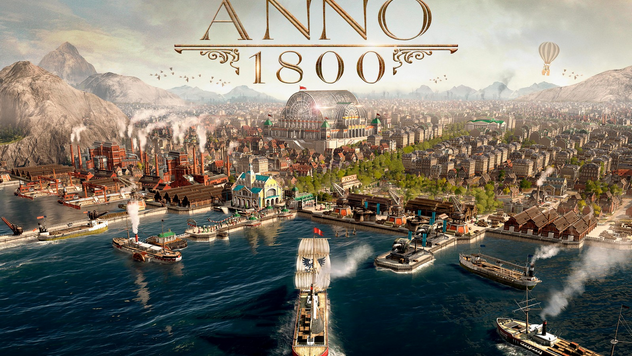
Anno 1800: City and Production Optimized Layout Guide
From the guy that prought you optimized layouts for Anno 1404: Are you sick of not knowing how to place your buildings, having your population riot due to a lack of access to their much desired locations? Are you distrought at the sight of your productions, that are just laying about all over the place,…
[Fixed]Anno 1800: Stuttering and Bad FPS Bug
The Steam version of this game is currently heavily bugged, resulting in huge performance losses. There is a simple workaround for this though: Put Steam in OFFLINE MODE. (Top left, click Steam -> Go Offline…) Then Start Anno 1800 normally through Steam. It will run just as smooth as the Uplay beta did, and give…
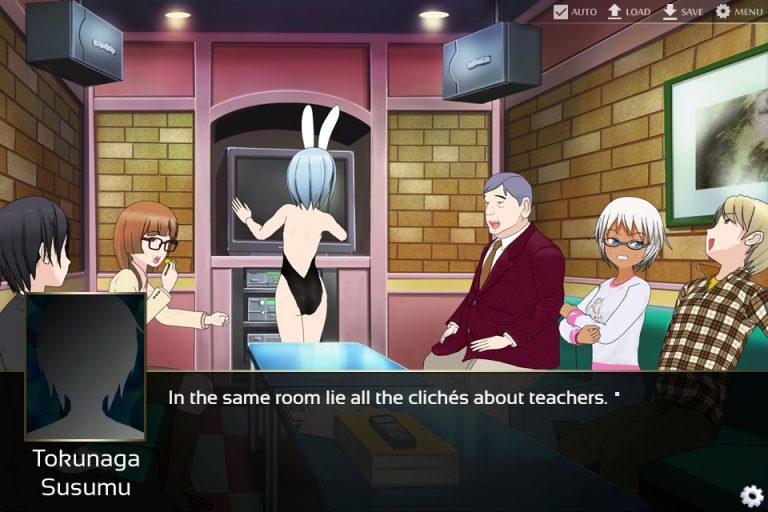
Pawn: 100% Achievement Guide
A guide on how to get All the achievements. Automatic achievements Back home : Clear the prologue Substitute Teacher : Clear the first chapter Reunion : Clear the second chapter Date at the Aquarium : Clear the third chapter A day at the beach : Clear the fourth chapter Guillotine : Clear the fifth…
Pawn: Walkthrough and Chapter 1-7
Notes ✧ Open menu and click on SKIP/SAUTER to start skipping. This has to be done after each choice as skip automatically stops at them. ✧ Steam overlay is disabled in this game, check your achievement progress in client or browser. Prologue ❖ Start a new game ✧ No choices to be made during this chapter. Back…
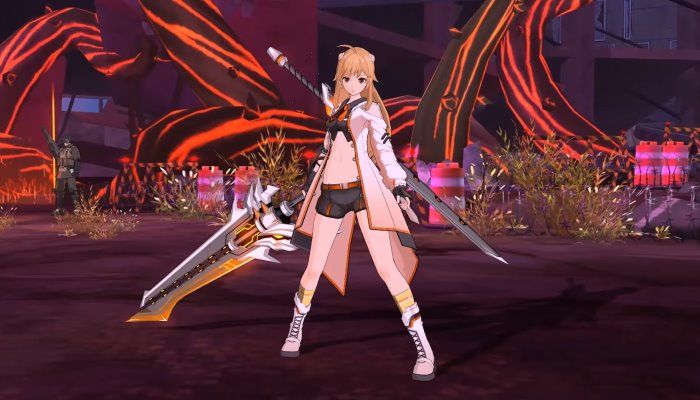
SoulWorker: Tips and Strategies to Professional
General tips and strategies to help progress through Soulworker. Tips for leveling 1. Do yellow text (story line) quests first 2. Equip gear with exp stats. The blue text gear (valuable) give the highest exp boost. Exp boost stat doesn’t appear in rings. The level 16 weapon is the only weapon that gives an…
Soulworker: Tips and Tricks to Have Fun
Spamming Emote 1 – ESC – > OPTIONS – > CHAT – > CHAT MACRO 2 – Now type a Gestures/Emote that you want to spam 3 – Remember leave a open Blank Space after you typed your Gestures/Emote, like I show you in GIF above 4 – The macro key should be F7 as default…
[Fixed]Soulworker: Fullscreen Bug
Fullscreen Fix Right click the game -> Properties -> Local files -> Browse Local files. Find “General.ini” and open it with notepad or any text editor. Then Change from: [Screen] WIDTH=1440 HEIGHT=900 SCREENMODE=0 To: [Screen] WIDTH=1920 HEIGHT=1080 SCREENMODE=1 Then save the file and you can play the game in Fullscreen. Written by ray