
Skip to content
Menu
SteamAH
  • Cheat
  • Guide
  • Tips
  • Privacy Policy
  • Abuse
SteamAH

BIOMUTANT How to Turn Off Motion Blur

Posted on May 26, 2021

For BIOMUTANT players, if the motion blur makes your gaming experience worse, this guide will show you how to turn off motion blur, let’s check it out.

How to Turn Off Motion Blur

Navigate to “%localappdata%\Biomutant\Saved\Config\WindowsNoEditor”, open Engine.ini and add:

[SystemSettings]
r.MotionBlur.Max=0


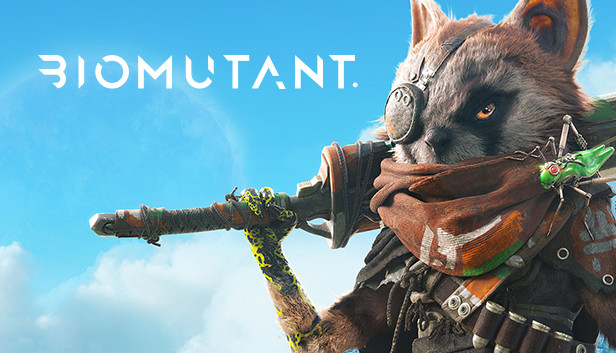
BIOMUTANT® is an open-world, post-apocalyptic Kung-Fu fable RPG, with a unique martial arts styled combat system allowing you to mix melee, shooting and mutant ability action.


That’s all we are sharing today in BIOMUTANT How to Turn Off Motion Blur, if you have anything to add, please feel free to leave a comment below, and we’ll see you soon.

Credit to gagibohne

Leave a Reply Cancel reply

Your email address will not be published. Required fields are marked *

Disclaimer

All content cited is derived from their respective sources. If you think we have used your content without permission, Please go to the Abuse Page to contact us and we will be taking it seriously.

Recent Posts

  • Quake 4: All Story Mode Save Files
  • Ys vs. Trails in the Sky: Alternative Saga – 100% Save Files
  • Rogue Prince of Persia: Save Files for the Final Boss
  • Deltarune: Save for 100% Secret Bosses (NO EGGS)
  • Hollow Knight: Silksong Save Files – Before the Final + Before Any Bosses
©2025 SteamAH | Powered by SuperbThemes & WordPress