
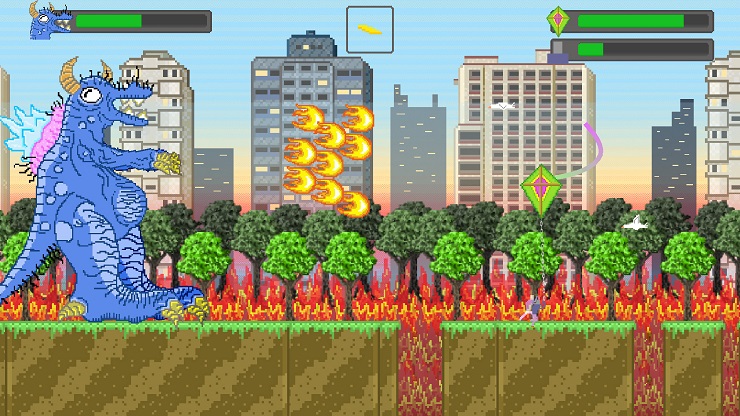
A quick reference for all Kaiju Kite Attack controller/keyboard settings
Keyboard:
Fly kite – arrow keys
Shoot kite – left alt
Jump – spacebar
Switch weapon – w
Shoot kite – left alt
Jump – spacebar
Switch weapon – w
Xbox One Controller:
Fly kite – left analog
Shoot kite – Y
Jump – X
Select next weapon – right trigger
Select previous weapon – left trigger
Shoot kite – Y
Jump – X
Select next weapon – right trigger
Select previous weapon – left trigger
NES/SNES Retro USB Controllers:
Fly kite – D pad
Shoot kite – B
Jump – A
Switch weapon – Select button/right trigger
Shoot kite – B
Jump – A
Switch weapon – Select button/right trigger
Written by theoldone