
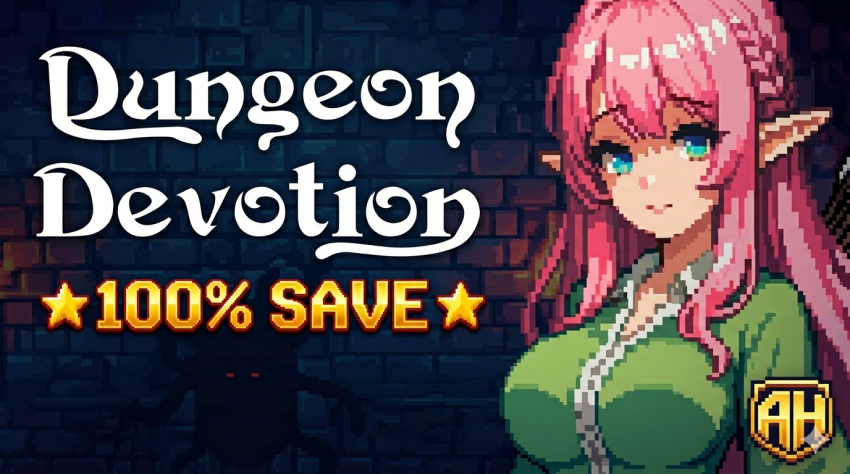
Looking to experience everything Dungeon Devotion has to offer without the grind? You’re in the right place. This guide provides a direct link to a 100% completion save file, allowing you to jump straight into the end-game content and explore all unlocked features. Let’s get your game updated.
🔞 ADULT CONTENT WARNING
This save file is for a game rated 18+. While this post only provides game data, the source material is for adults only.
Strictly for users aged 18 and over. By clicking download, you verify your age and agree to our terms of service.
Save File Details & Source
This is a complete, 100% finished game save. Everything in Dungeon Devotion has been unlocked, cleared, and is ready for you to explore at your leisure.
- Author: Alicelel
- Download Link: Google Drive
How to Install the Save File (Step-by-Step)
Follow these instructions carefully to ensure the save loads correctly.
- Download the Archive: First, grab the save file using the link provided in the download section below.
- Disable Cloud Saves (Crucial Step): To prevent conflicts, you must temporarily disable Steam Cloud synchronization (or your platform’s equivalent) for Dungeon Devotion. You can usually find this in the game’s properties within your game client (e.g., Steam).
- Locate Your Save Folder: Navigate to the following directory on your PC. You can quickly access this by pasting the path into your File Explorer address bar:
C:\Users\[YourUsername]\AppData\LocalLow\PinkTea\Dungeon Devotion(Note: TheAppDatafolder is hidden by default. You may need to enable “Show hidden files and folders” in your View options.) - Install the Save: Extract the contents of the downloaded archive. Copy or move all extracted files and folders into the
Dungeon Devotiondirectory mentioned above. If prompted to replace existing files, choose “Yes” or “Replace All.” - Verify & Finalize: Launch the game and check that the save data has loaded correctly. Once confirmed, exit the game completely.
- Re-enable Cloud Saves: Go back to your game client’s properties and re-enable Cloud Saves synchronization.
- Resolve Sync Conflicts (If Any): Upon relaunching, if your client prompts you to resolve a cloud sync conflict, always choose to upload your local save files to the cloud (as these are the new, 100% files you just installed). This will overwrite the old cloud data.
Important Notes & Warnings
- Backup First! It is highly recommended to back up your original save folder before proceeding. Simply copy the entire
Dungeon Devotionfolder to another location on your PC. - Cloud Save Conflict: The step to disable cloud saves is essential. Failing to do so may cause the game to overwrite your new 100% save with your old progress.
- Game Version: This save file is typically created for the latest version of the game at the time of upload. Compatibility with future major updates is not guaranteed.
Wrapping Up
And that’s all there is to it! By following this guide, you should now have full access to every aspect of Dungeon Devotion with the 100% completion save. Remember, using save files is a fantastic way to experience post-game content or save time on a second playthrough.
If you’re looking for save files for other games, be sure to check out our master Save Files Hub. We’ve organized complete savegames for hundreds of games in an easy A-Z list, making it simple to find exactly what you need for your next gaming project. Happy gaming