
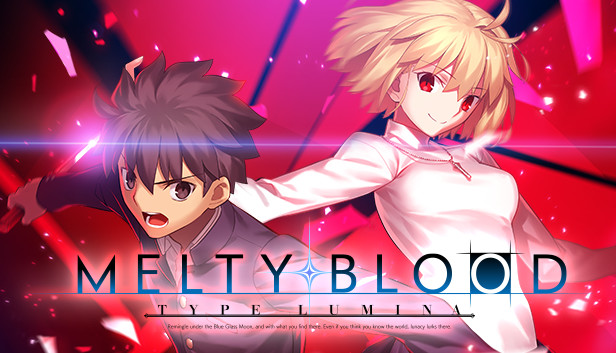
For MELTY BLOOD: TYPE LUMINA players, if want to play the game on Windows 7 and it’s not working properly, this guide will show you how to make this game work on an unsupported OS
How-to
If you are like me, aka an idiot and somehow managed to last on Win 7 this long with no issues and figure some anime game on Dx9 should have no issues, only to launch the game and find out it won’t work, you might be confused.
Someone already figured out a fix, just watch this dude’s vid.
TLDR:
Download the xaudio2_9.dll’s you are missing, put them in the same directory you installed your game. Try 32 bit, then if that doesn’t work 64 bit, then 32 bit again (it took me three tries lol), and launch the game as admin.
Download the xaudio2_9.dll’s you are missing, put them in the same directory you installed your game. Try 32 bit, then if that doesn’t work 64 bit, then 32 bit again (it took me three tries lol), and launch the game as admin.
That’s all we are sharing today in MELTY BLOOD: TYPE LUMINA How Play on Windows 7, if you have anything to add, please feel free to leave a comment below, you can also read the original article here, all the credits goes to the original author Masque : Legend of the U S of A
Related Posts:
- MELTY BLOOD: TYPE LUMINA Replays Folder Location Guide
- MELTY BLOOD: TYPE LUMINA How to Fix Game Speed
- MELTY BLOOD: TYPE LUMINA How to Reduce Blur and Aliasing
- MELTY BLOOD: TYPE LUMINA 100% Achievement Guide