
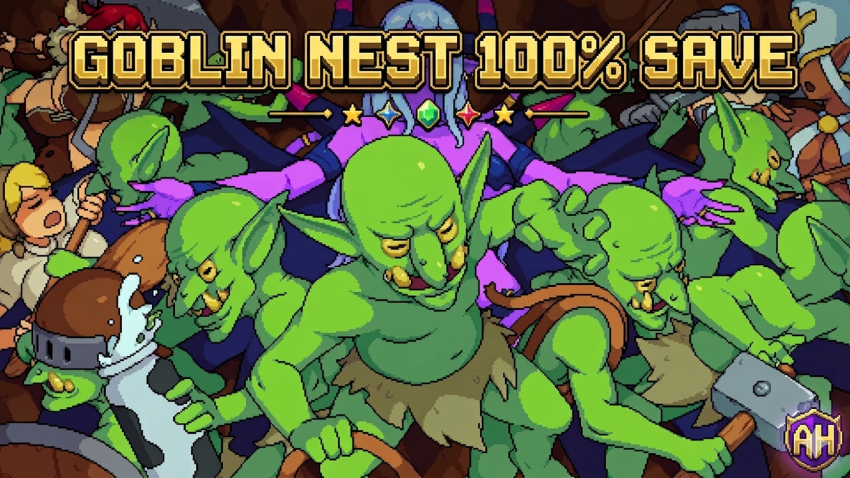
Looking to jump straight into the action or see everything this quirky game has to offer? This 100% completion save file for Goblin Nest is your perfect shortcut. It unlocks all content, letting you experience the full game without the grind. Here’s everything you need to know to install and use it.
Save File Details & Author
This is a 100% Completed Save. Everything in the game is unlocked and finished. You can explore all levels, features, and content from the get-go.
Author: Alicelel
File Size: Approximately 123.7 KB.
How to Install the Save File (Step-by-Step)
Important: Before you begin, it’s crucial to disable Cloud Saves to prevent conflicts. This process is generally the same for licensed copies on platforms like Steam.
- Download the Archive: Get the save file archive from the provided link (see below).
- Disable Cloud Saves:
- Open your game client (e.g., Steam).
- Right-click Goblin Nest in your library.
- Go to Properties > General.
- Uncheck the option for “Keep game saves in the Steam Cloud” or similar.
- Locate the Save Folder: Navigate to the following directory on your PC. You can quickly access it by pressing
Win + R, typing%LOCALAPPDATA%, and hitting Enter.- Path:
AppData\Local\goblin_nest
- Path:
- Install the Save:
- Extract the contents of the downloaded archive.
- Copy or drag all extracted files and folders into the
goblin_nestdirectory. - If prompted to replace or merge files, choose “Yes” or “Replace All”.
- Verify & Finalize:
- Launch Goblin Nest and check that the save data (showing 100% completion) loads correctly.
- Once confirmed, exit the game completely.
- Re-enable Cloud Saves in your game client properties (Step 2).
- Resolving Sync Conflicts (If Any): Upon relaunching through your client, you might get a cloud sync conflict message. If this happens, choose to upload your LOCAL files to the cloud (they are the newer ones you just installed).
Download Link
You can download the 100% save file via Google Drive.
Wrapping Up
And that’s all there is to it! With this save file, you can fully enjoy Goblin Nest and all its unlocked content instantly. Remember to follow the cloud save steps carefully to ensure a smooth setup.
Looking for save files for other games? We’ve got you covered! Visit our dedicated Saves Hub page where we list all available game save files in an easy-to-browse A-Z order. It’s the perfect place to find the perfect boost for your next gaming adventure.