
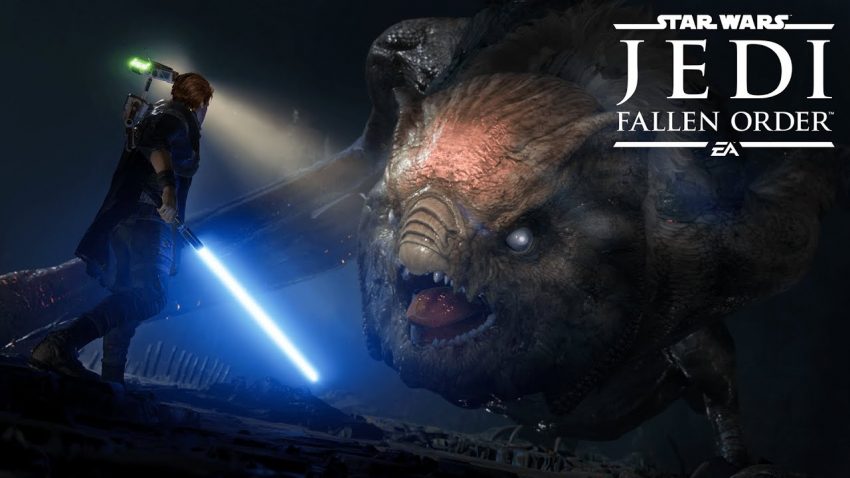
STAR WARS Jedi: Fallen Order™ is a wonderful star wars game which had been released by EA. here is the guide on how to change voices to English in the game.
How to change language.
1. Go to your steam library.
2. Find “Star Wars Jedi: Fallen Order”
3. Right click on it.
4. Go to properties.
5. Find language window.
6. Change to English.
7. Go in-game.
8. Go to options menu.
9. Go to Gameplay menu.
10. Change the text language to your language.
11. Enjoy the game with the original voices and subtitles on your language.
2. Find “Star Wars Jedi: Fallen Order”
3. Right click on it.
4. Go to properties.
5. Find language window.
6. Change to English.
7. Go in-game.
8. Go to options menu.
9. Go to Gameplay menu.
10. Change the text language to your language.
11. Enjoy the game with the original voices and subtitles on your language.
Written by Mysteries