
This guide provides ready-to-use save files that let you unlock both the “You are Fired!” and “Anti-Magic Master” achievements without the usual headache.
Save Files Overview
These saves were created to help you unlock two rare achievements quickly and reliably:
- You are Fired! – Arrange all 3,072 books in a completely random order without correctly completing a single shelf.
- Anti-Magic Master – Complete the game and arrange all books correctly without using Great Magic. (Magic from chests is allowed.)
Both saves are included in a single download.
- Download Link: Google Drive
How to Use the Save Files
- Download the save files from the link below.
- Extract the archive – you’ll find a folder named
savedinside. - Locate your game’s save folder on your PC. It’s usually here:
C:\Users\[YourUsername]\AppData\Local\Librarian- Or simply:
C:\Users\[YourUsername]\AppData\Local\Librarian
- Back up your current save by copying the existing
savedfolder to another location, just in case. - Replace the entire
savedfolder with the one you downloaded. - Launch the game and select “Continue.”
Important Notes
- In both saves, you need to place the last remaining book into Section 1A. The exact location is shown in the screenshots included with the download.
- The last book will be sitting right in front of you when you load the save.
Troubleshooting
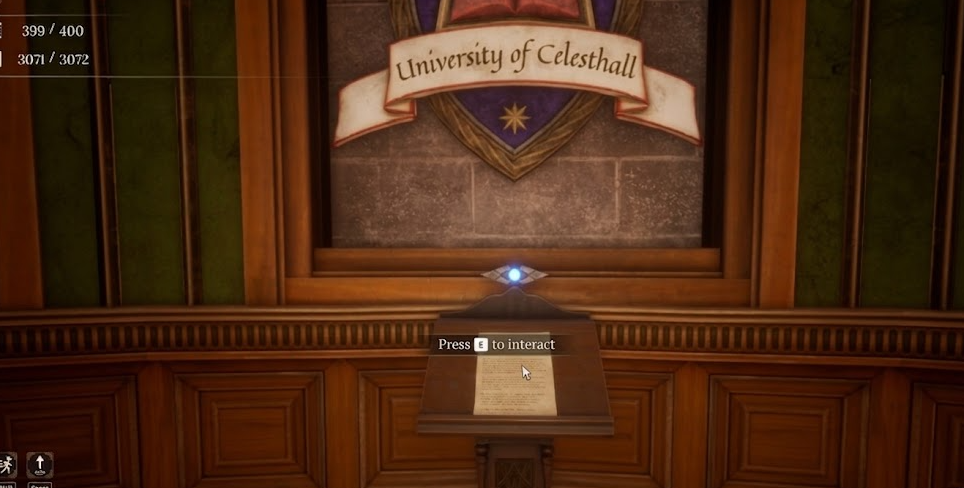
If a book gets stuck, disappears, or falls through the textures, walk over to the crystal at the beginning of the library and interact with it. This works for the last 10 books that haven’t been placed on shelves yet. Using this feature does not count as using Great Magic, so it won’t ruin your achievement progress.
Final Thoughts
This guide gives you a straightforward way to unlock two of the most time-consuming achievements in Librarian: Tidy Up the Arcane Library! without replaying the entire game. Just drop in the save, place the final book, and you’re done.
If you’re looking for more save files for other games, head over to our main save files collection. We’ve organized everything in A–Z order, so you can quickly find the exact save file you need for any game in your library.